 0208 3517 101
How to Pack Office Equipment Properly
Learn how to pack office equipment safely with practical steps for IT, furniture and files to reduce damage, disruption and downtime.
Call us on 0208 3517 101
 ISO 9001 & 14001
Certified
ISO 9001 & 14001
Certified 4.9
Trustpilot
4.9
Trustpilot 5.0
Google Reviews
5.0
Google Reviews 195+
Trees Planted
195+
Trees Planted 25+ Years
Experience
25+ Years
ExperienceThe costly part of an office move is rarely the lorry. It is the hour when your team cannot log in, the damaged monitor that delays a department, or the missing cable that keeps a workstation offline. That is why knowing how to pack office equipment matters well before moving day. Good packing is not just about protection in transit. It is about preserving continuity, keeping assets traceable, and making sure every desk, device and shared area can be operational again without delay.
For business leaders, office managers and IT teams, the real objective is simple: pack in a way that supports a controlled relocation, not just a physical transfer. That means using the right materials, sequencing the work properly, and recognising that a desktop printer does not carry the same risk profile as a server, meeting room screen or confidential archive.
How to pack office equipment without creating downtime
The first decision is not what box to use. It is what should be packed, what should be migrated separately, and what should be replaced rather than moved. Offices tend to accumulate surplus monitors, obsolete docking stations, broken chairs and archived paperwork that no longer needs to travel. If those items are still in the scope on packing week, time is wasted and risk increases.
Start with an asset and location review. Identify every workstation, shared device, storage unit and specialist item. Record where it is now and where it needs to go in the new office. This sounds administrative, but it prevents the most common relocation problem: boxes and equipment arriving safely but with no clear destination. For larger workplaces, a room-by-room inventory tied to floor plans will save hours during reinstallation.
At this stage, classify items into three groups: general office equipment, sensitive IT equipment, and high-value or specialist equipment. Each group needs a different handling standard. A kettle or desk fan can tolerate basic packing. A VoIP handset, multi-function printer or network switch should not.
Use commercial-grade packing materials
Domestic packing methods often fall short in office moves. Bin bags, mixed cartons and loose internal labelling are a false economy when dozens or hundreds of assets need to be unpacked in order. Use double-walled boxes, anti-static wraps where needed, padded monitor cartons, crate systems for files, and tamper-evident labels for anything confidential.
Protective materials should match the item. Screens need corner protection and upright handling. Computers need internal cushioning that prevents movement. Cables need to be bagged, labelled and kept with the correct device unless your IT team is rebuilding each workstation from scratch. The point is consistency. When every desk is packed differently, setup takes longer and errors multiply.
Labels should do more than name the department. Include the origin location, destination area, item type and user or team name where relevant. If the relocation is phased, add move date or phase number. A clear labelling system is one of the simplest ways to reduce downtime because it allows movers, project managers and internal teams to place equipment correctly first time.
Packing desktops, monitors and accessories
Standard workstations are where many office moves become inefficient. Individually, they seem straightforward. In volume, they create confusion. The safest approach is to pack each workstation as a complete set with linked labels.
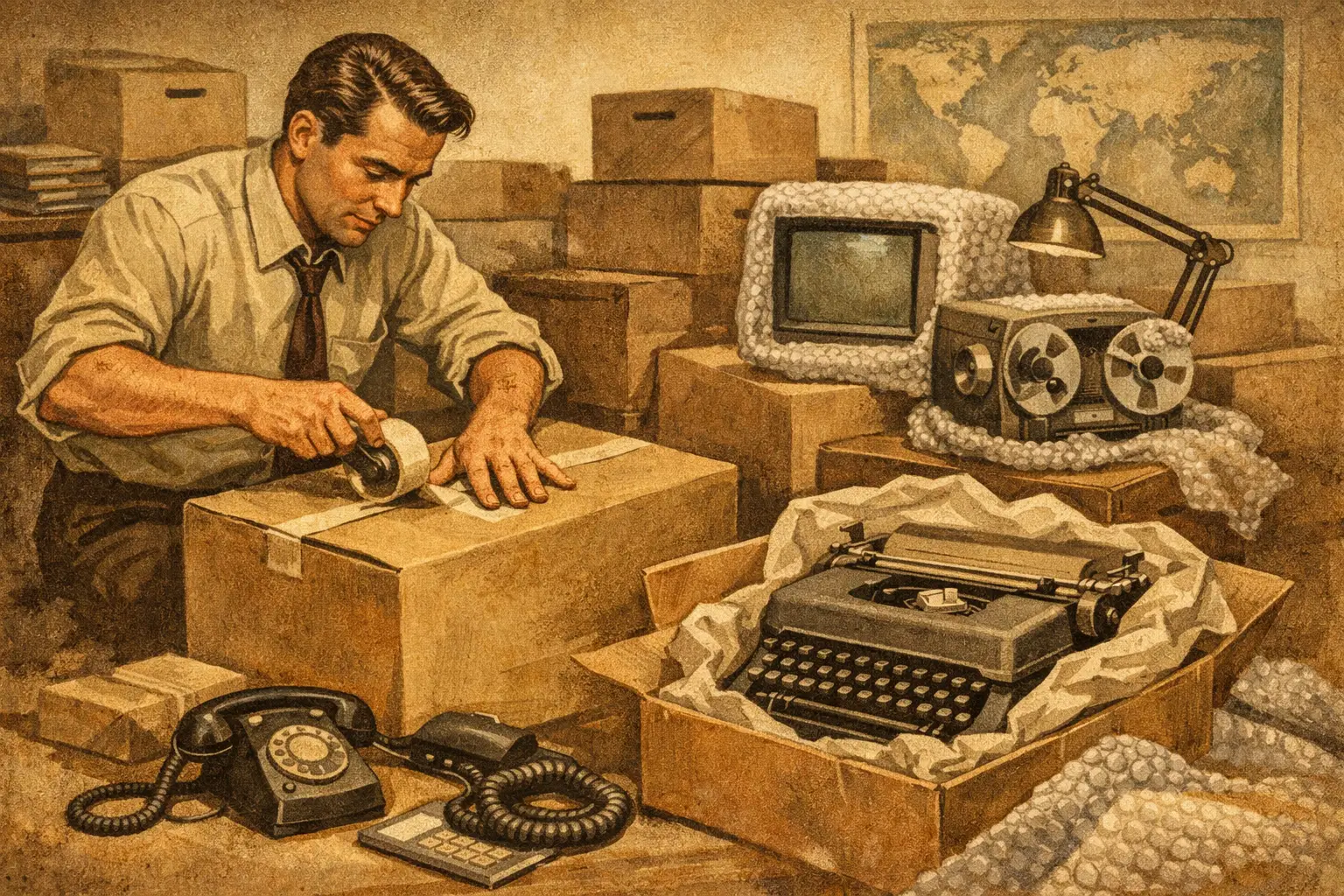
Before disconnection, photograph the setup if the same configuration needs to be recreated. Then shut down properly, disconnect cables carefully and secure all loose leads. Keyboards, mice, headsets, docking stations and power supplies should be packed together in clearly marked bags or small cartons. Avoid dropping all accessories into shared boxes unless the destination setup will be fully reissued.
Monitors should be wrapped with screen-safe protective material and placed in purpose-built cartons wherever possible. Stacking screens flat in general boxes creates avoidable breakage risk. Desktop towers should be cushioned on all sides, with any removable media or peripherals removed beforehand.
Laptops are more portable but not necessarily lower risk. Staff often carry them during a move, which can work well if there is a clear chain of responsibility. If they are being packed centrally, each device should be asset-tagged, logged and paired with its charger. Missing chargers cause disproportionate disruption on day one.
How to pack office equipment for IT rooms and shared tech
IT relocation requires tighter controls than general office packing. Servers, switches, firewalls, comms cabinets and backup devices are operational assets, not just physical items. Their move sequence needs to follow a technical plan that accounts for shutdown, transport, reinstatement and testing.
For these environments, packing should be led by specialists or under direct IT supervision. Equipment should be labelled by rack position or network role, with cabling documented before removal. Anti-static protection is essential where relevant, and shock-resistant transport methods should be built into the move. It depends on the setup, but for many businesses the smarter decision is to separate critical infrastructure from the main office move and handle it as a dedicated workstream.
Shared technology such as conference room displays, printers, photocopiers and AV equipment also needs care. Large screens should travel in specialist cases or cartons. Printers and copiers may require manufacturer guidance, transit locks or toner removal. If a supplier lease or maintenance contract is involved, check responsibilities before packing begins.
Documents, confidential materials and compliance
Files are easy to underestimate because they do not look fragile. They are, however, easy to misplace and can create compliance exposure if handled poorly. Pack active files in sequential order using labelled crates rather than mixed cardboard boxes. Keep department ownership clear, and make sure anything confidential remains secure throughout collection, transport and delivery.
Archive material should be reviewed before the move. There is little value in paying to relocate documents that can be securely scanned, stored elsewhere or disposed of through an approved process. This is one of the few areas where reducing volume directly improves both cost and speed.
If your business handles regulated data, legal records, HR files or financial documents, build chain-of-custody controls into the packing process. Sealed containers, sign-off records and limited access are sensible precautions. Office removals are logistics projects, but they also touch governance and risk management.
Furniture and loose office equipment
Not all office equipment belongs in a box. Chairs, pedestals, monitors arms, whiteboards and modular furniture often need a mix of dismantling, protection and route planning. The key question is whether dismantling helps or hinders the move. Flat-packing saves space, but it also increases reassembly time and introduces the possibility of missing fixings.
For desks and furniture systems that will be reinstalled in a new layout, components should be tagged by zone or workstation number. Bag all fixings and attach them securely to the relevant item. If furniture is old, damaged or incompatible with the new space, replacement may be more economical than transport and reassembly.
Smaller office equipment such as shredders, desk fans, kitchen appliances and stationery stores should be packed by category and destination. Mixed boxes are the enemy of fast reinstatement. If the first morning in the new office begins with teams hunting for power leads, extension blocks and basic supplies, productivity drops immediately.
Build packing into the move plan, not the night before
The strongest packing process is phased. Start non-essential areas early, then move towards business-critical functions last. This gives teams time to keep operating while the relocation takes shape around them. It also exposes issues before they become urgent, such as insufficient crates, poor labels or departments holding more equipment than expected.
A dedicated project lead should control the packing schedule, floor plans, inventory method and handover points. This is where a managed relocation service adds value. When packing, transport, installation, storage and disposal sit under one plan, there are fewer gaps between suppliers and fewer last-minute decisions. For businesses moving live operations, that coordination is often the difference between a controlled change and a disruptive one.
It is also worth setting packing rules for staff. Employees can pack personal desk items and low-risk materials, but critical IT, confidential records and shared assets should usually be handled centrally. Leaving everyone to improvise may feel efficient, yet it often creates inconsistent labelling, damaged equipment and slower setup.
What a good packing outcome looks like
Good packing is not measured by how neatly the boxes look stacked in the old office. It is measured by what happens in the new one. Equipment arrives intact, departments can identify their items immediately, IT can reconnect systems in the right order, and staff can return to work with minimal interruption.
That standard requires planning, suitable materials and disciplined execution. It also requires knowing when a move has crossed from basic packing into specialist relocation. For multi-floor offices, hybrid workplaces, technical environments and time-sensitive moves, packing needs to support a broader continuity plan. That is where experienced commercial movers such as SolutionsX can take control of the process and remove the operational burden from your internal team.
If you are preparing for a move, treat packing as part of business continuity rather than an afterthought. When every item is packed with its destination, function and reinstatement in mind, the new office starts working much sooner.

Get Your Free Quote Today
Fill out the form below and our team will respond within 2 hours
Reach out and we’ll
get back to you shortly.


12 Jenner Avenue Acton,
W3 6EQ London

Saturday: 9:00am – 2:00pm
Sunday: Closed