 0208 3517 101
How to Relocate Workstations Without Downtime
Learn how to relocate workstations with minimal disruption, protect IT assets, keep teams productive, and deliver a controlled office move.
Call us on 0208 3517 101
 ISO 9001 & 14001
Certified
ISO 9001 & 14001
Certified 4.9
Trustpilot
4.9
Trustpilot 5.0
Google Reviews
5.0
Google Reviews 195+
Trees Planted
195+
Trees Planted 25+ Years
Experience
25+ Years
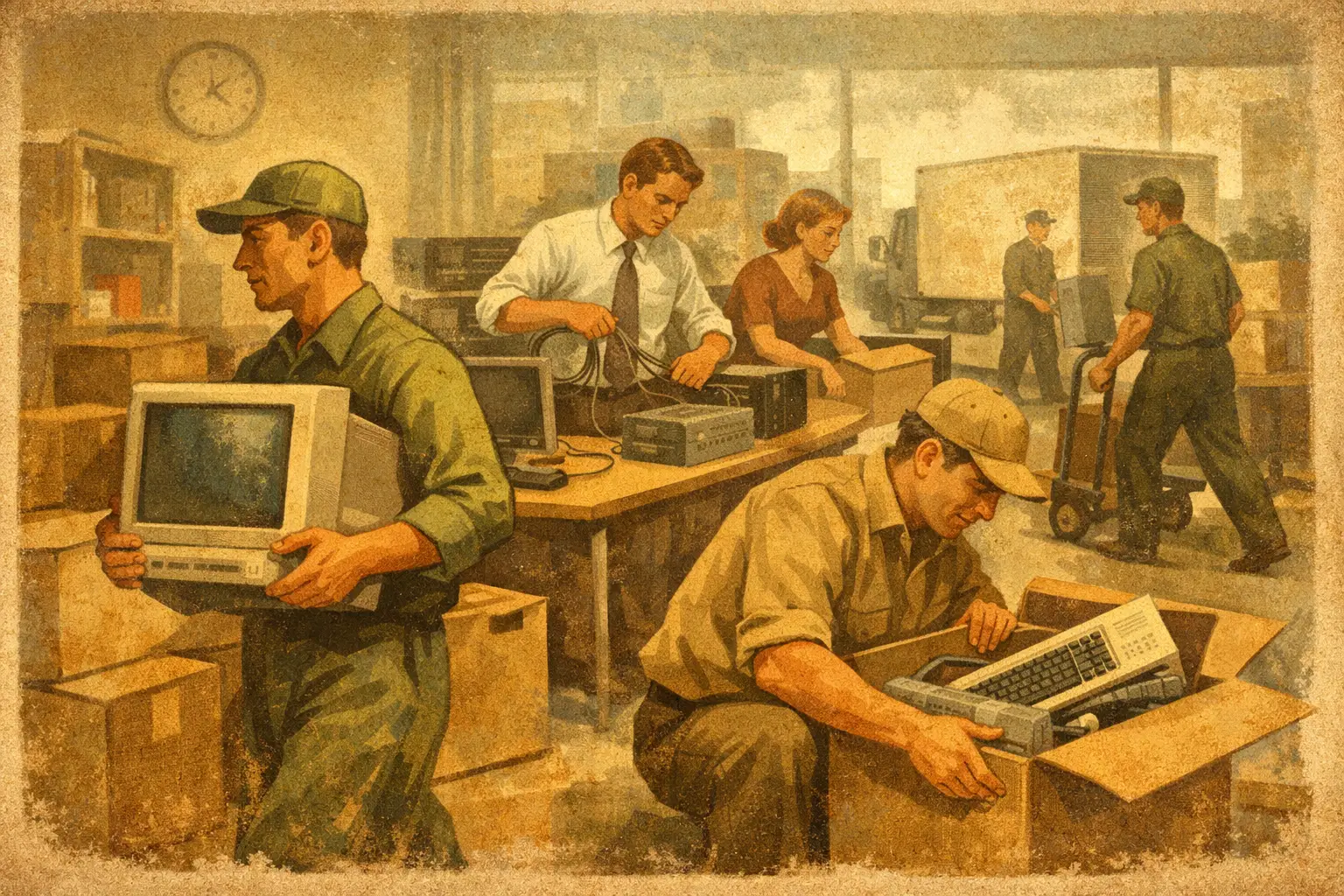
ExperienceWhen a workstation move is handled badly, the cost shows up fast – lost hours, frustrated staff, disconnected equipment, and an IT team pulled into avoidable fixes. Knowing how to relocate workstations properly is less about lifting desks from one floor to another and more about protecting continuity. For most businesses, the real priority is simple: every person should be able to log back in and work without delay.
That means workstation relocation needs to be treated as an operational project, not a basic removals task. Furniture, screens, docking stations, peripherals, cabling, user profiles, floorplans, access restrictions, and health and safety all need to line up. If one part is missed, the whole move can slow down.
How to relocate workstations with control
The most reliable approach starts with mapping what is actually being moved. A workstation is rarely just a desk and chair. It may include dual monitors, a desktop tower or thin client, under-desk cable trays, specialist keyboards, telephony equipment, document storage, and personal accessories that staff use every day. In some departments, one workstation may also support confidential paperwork, finance hardware, or compliance-sensitive devices.
Before any move date is agreed, create a workstation inventory that records each position, the assigned user, the equipment at that location, and the destination point in the new space. This sounds straightforward, but it is where many office moves either gain control or lose it. Without a clear asset and seating plan, teams arrive in the new office and spend the first day trying to work out where people belong and which monitor belongs to whom.
Labelling matters here. Each workstation should be tagged by user, department, origin location, and destination location. The same system should be applied to crates, IT equipment, screens, and furniture if they are moving separately. A simple, consistent coding method prevents confusion during loading, transport, unloading, and reinstatement.
Plan the move around business continuity
If your goal is zero downtime, timing is as important as logistics. Most workstation relocations are best carried out outside core business hours, in phases, or over a weekend. The right option depends on headcount, business critical systems, and whether your teams can work remotely during part of the transition.
A phased move works well when different departments have different operational pressures. Customer-facing teams, trading functions, helpdesks, and senior leadership may need priority reinstatement, while lower-dependency teams can move later. For smaller offices, a single coordinated move may be more efficient. There is no universal model. The right answer depends on your risk tolerance, your lease timings, and how much technical change is happening alongside the physical move.
This is why a detailed move programme matters. It should cover access times, lift bookings, building rules, parking arrangements, crate delivery, dismantling schedules, IT shutdown windows, transport sequencing, and workstation reinstallation. If your relocation partner is managing the project correctly, these details are built in before moving day rather than solved under pressure.
Involve IT early, not at the end
One of the most common mistakes in workstation moves is treating IT as a final step. In reality, IT planning should begin at the same time as the physical relocation plan. Every workstation depends on network readiness, power availability, device compatibility, and user access.
If the new office layout is changing, confirm that each desk position has the correct power, data, and connectivity before reinstalling equipment. It is also worth deciding in advance whether devices will be moved exactly as they are, refreshed during the move, or reduced as part of a hybrid working strategy. A relocation can be a good opportunity to rationalise older equipment, but combining a move with a full technology refresh adds complexity. Sometimes that trade-off is worthwhile. Sometimes it is not.
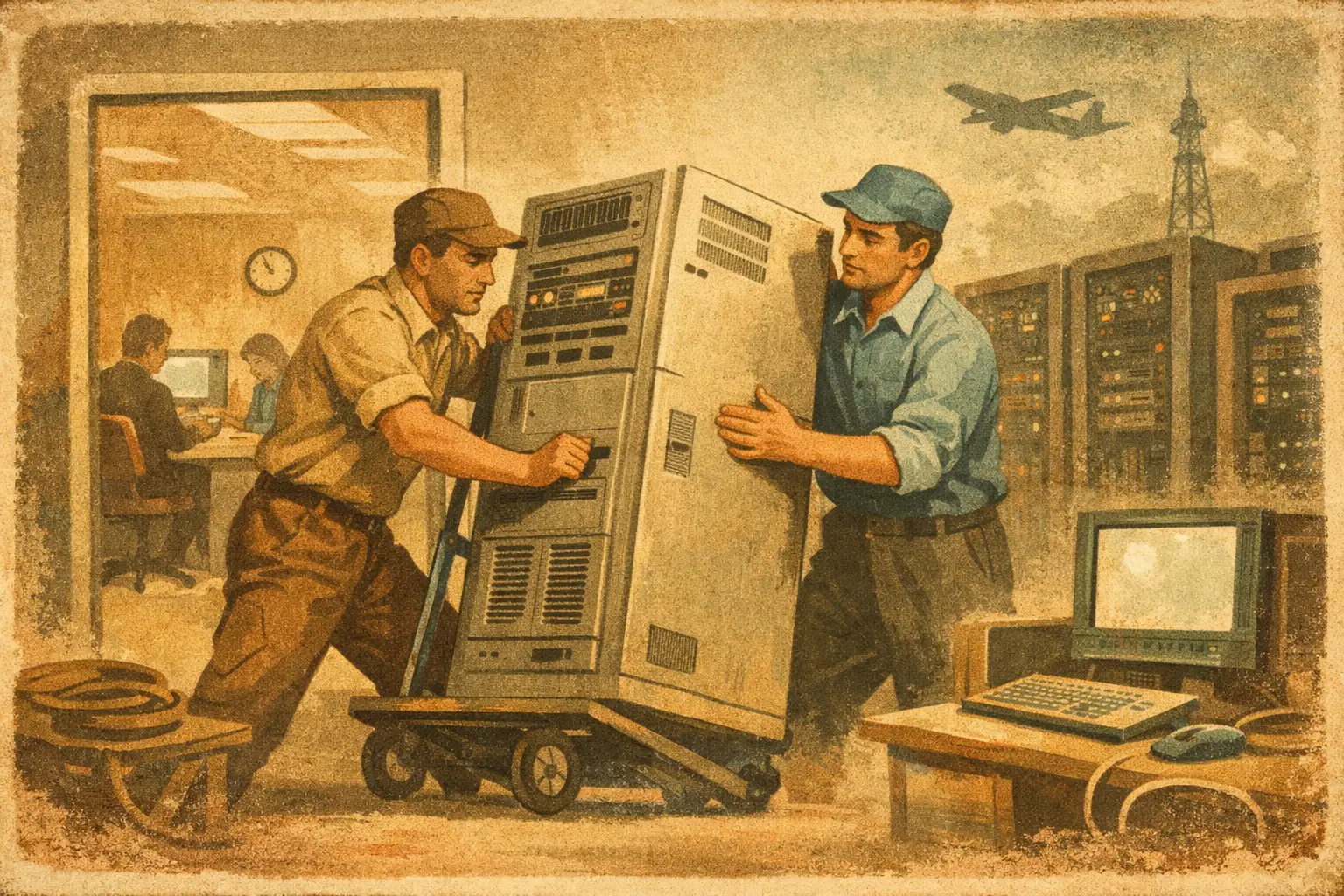
For businesses with servers, comms rooms, or specialist devices, workstation moves should also be aligned with wider IT migration planning. There is little value in reinstalling desks quickly if core systems are still offline. Physical relocation and technical cutover need to work to the same schedule.
Protect equipment from damage and misconfiguration
Workstations contain more fragile equipment than many businesses realise. Screens crack, cable packs get mixed up, docking stations disappear into the wrong crate, and under-desk accessories are often forgotten altogether. Good packing standards reduce these risks significantly.
Monitors should be protected in purpose-built monitor bags or secure cartons. Keyboards, mice, headsets, and small accessories should be packed with clear user identification. If cabling is being disconnected, it should be bundled and labelled so the same setup can be restored quickly. Where desks are being dismantled, all fittings should remain traceable to the correct workstation or furniture group.
There is also a compliance dimension. Some desks contain printed records, devices with stored data, or confidential material that should not travel loosely during a commercial move. Secure handling procedures are essential, especially for HR, finance, legal, and healthcare-related functions. A professional provider should be able to manage this as part of the relocation, rather than leaving your internal team to patch together controls on the day.
Reinstallation is where downtime is won or lost
Moving workstations is only half the job. The real test is reinstatement. Desks need to be placed according to plan, furniture assembled correctly, equipment reconnected, and users returned to a working state with minimal friction.
This is where project-led relocations outperform basic removals support. A controlled reinstatement process means each workstation is rebuilt in the right location, checked for completeness, and prepared for user return. If the move includes floorwalking support on day one, small issues can be resolved before they become wider disruption.
Post-move testing is just as important. Screens should power on, peripherals should connect correctly, phones should function where relevant, and network access should be verified. For larger offices, a soft landing period is often sensible. That means having relocation and IT support available immediately after occupation so any snags can be dealt with fast.
Don’t overlook staff communication
Even a well-run move can create disruption if employees are unclear about what is expected of them. People need to know what to pack, what to leave in place, when they should log off, how personal items will be handled, and what their arrival process will be in the new office.
The most effective workstation moves use clear pre-move communications with a simple set of instructions. That might include desk clear-down requirements, crate allocations, labelling rules, and deadlines for preparing devices. The aim is not to overload staff with detail. It is to remove guesswork.
For managers, communication should also cover departmental sequencing and escalation routes. If there is a problem with a priority team, someone needs authority to resolve it quickly. Good communication reduces anxiety, but it also protects the move programme from avoidable delays.
How to relocate workstations in occupied offices
Moves within an occupied building bring extra complications. Noise restrictions, shared access routes, cleaning schedules, building management rules, and the presence of staff all affect how the work is delivered. In these cases, careful zoning and out-of-hours activity are often the safest approach.
Internal churn projects, floor-to-floor moves, and restacks can look simpler than full office relocations, but they still need disciplined planning. In some ways they are harder, because business continues around the move team. Equipment has to be shifted without disrupting neighbouring departments, and health and safety controls need to be tighter where live office environments remain in use.
A professional relocation provider should account for this from the start. That includes method statements, risk assessments, access coordination, and a clear sequence of works. For larger organisations, that level of control is often what separates a clean transition from a week of operational drag.
Choose a single point of accountability
One reason workstation relocations become difficult is supplier fragmentation. Furniture teams handle one part, IT another, removals another, and facilities are left trying to coordinate everyone. The result is usually delay, duplicated effort, and unclear responsibility when something goes wrong.
A managed service model reduces that risk. With one dedicated project lead overseeing planning, move management, IT coordination, packing, transport, storage, clearance, and reinstatement, decisions are faster and accountability is clearer. For businesses under time pressure, this can make a measurable difference to continuity.
That is why many organisations use a specialist commercial relocation partner such as SolutionsX for workstation moves. The benefit is not just transport capacity. It is having an experienced team that understands how physical relocation, workplace setup, and technical readiness fit together.
If you are planning a workstation move, the safest assumption is that small errors will become expensive once people are due back at their desks. Build the move around continuity from the start, and the relocation becomes far more manageable for everyone involved.
Get Your Free Quote Today
Fill out the form below and our team will respond within 2 hours
Reach out and we’ll
get back to you shortly.


12 Jenner Avenue Acton,
W3 6EQ London

Saturday: 9:00am – 2:00pm
Sunday: Closed